Continuous light positioning
Drag the 3D light sphere for precise placement or start with one of eight reliable presets.
Change light direction and mood while preserving the subject.
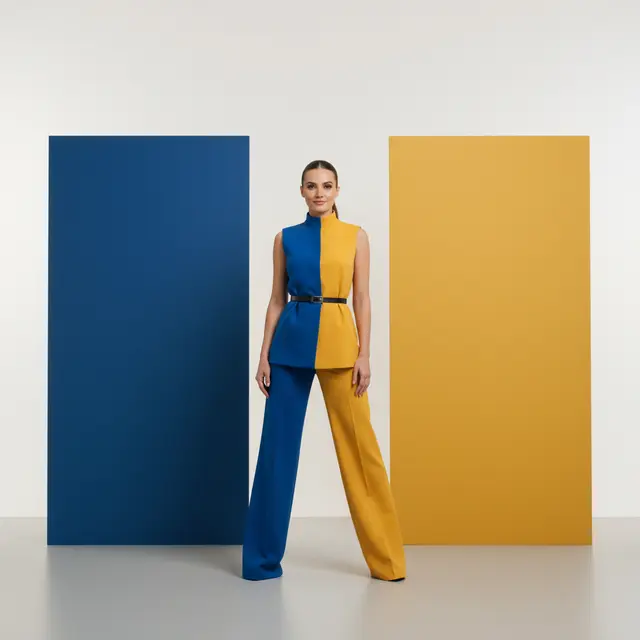
Drag the divider to preview the effect
Control position, color, and mood with visible choices, then let a real image-editing model rebuild the final illumination.
Drag the 3D light sphere for precise placement or start with one of eight reliable presets.
Preview natural, vintage, blue-hour, moonlight, and neon treatments before generating.
The generation instruction protects identity, clothing, pose, background, text, and camera perspective.
No masks or studio-lighting knowledge required—upload and adjust visually.
Add a JPEG, PNG, or WEBP image up to 10MB.
Drag the light, then choose a direction and style.
Wan 2.7 rebuilds the light for comparison and download.
The prompt explicitly locks identity, facial structure, clothing, pose, and composition. Generative edits can still introduce small variations, so the result keeps a before-and-after comparison.
The eight buttons are stable starting positions. Dragging records continuous horizontal, vertical, and depth coordinates for finer control.
Clear subjects with intact edges and recoverable exposure work best. Fully clipped highlights or pure-black regions contain less detail to rebuild.
Yes. After processing, compare the before and after images and download the final result.