3D orbit control
Drag the camera directly around the sphere and see orbit and tilt together.
Orbit, tilt, and change camera distance to create a believable new viewpoint without reshooting.
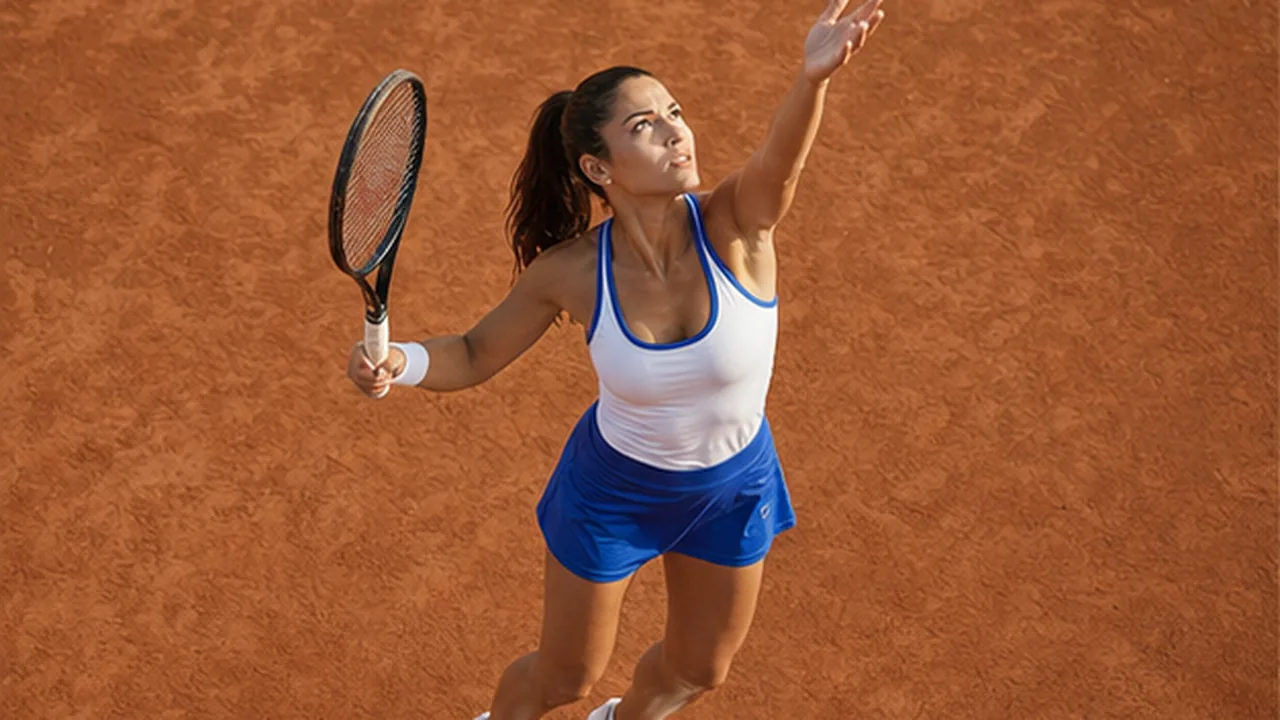
The spatial control becomes a precise camera instruction, then a real image-editing model rebuilds perspective, occlusion, and newly visible surfaces.
Drag the camera directly around the sphere and see orbit and tilt together.
Fine-tune rotation, tilt, and zoom independently or reset in one click.
Protect people, products, materials, text, lighting, and style.
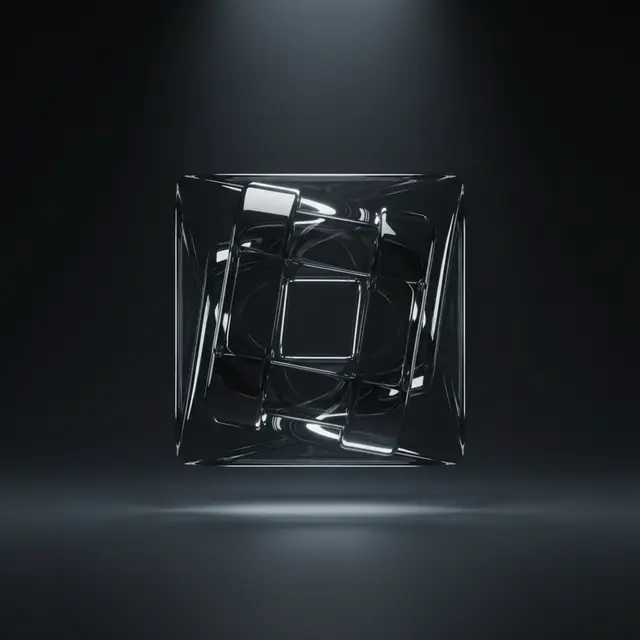 42° · -8°
Extend a hero shot into side, rear, and three-quarter product views.
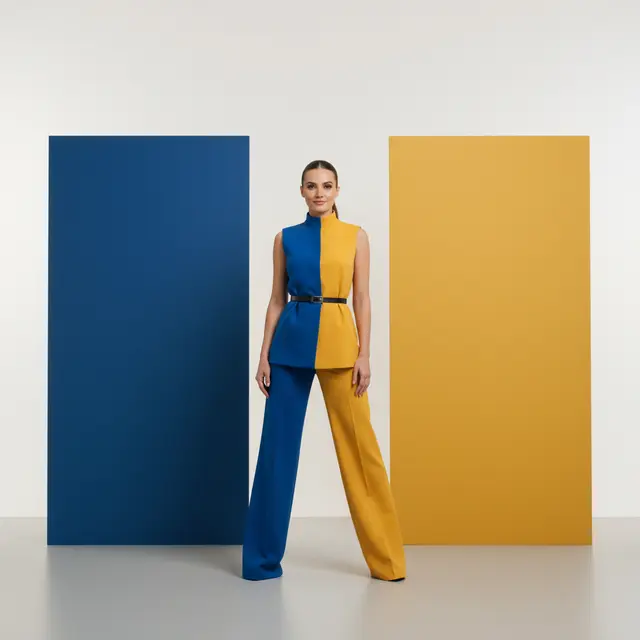 -35° · -32°
Try overhead, low-angle, profile, and rear views with existing assets.
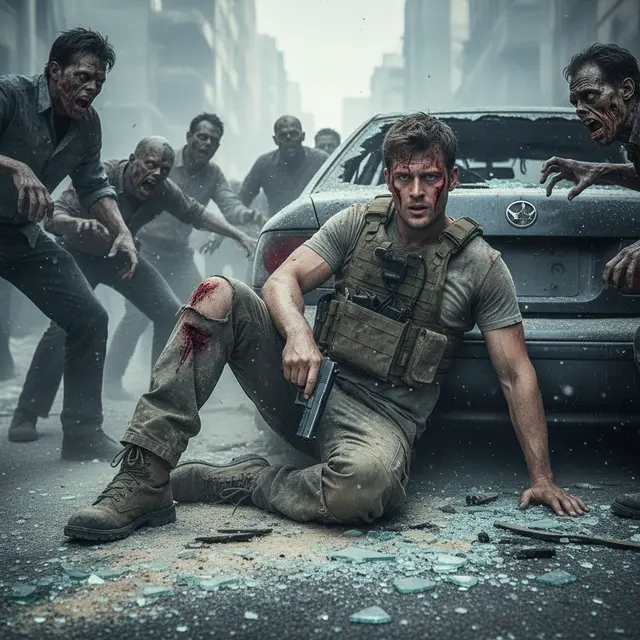 16° · 24°
Refine camera height and perspective for portraits, architecture, and scenes.
Choose a clear image with an intact subject.
Drag the orbit, then refine rotation, tilt, and distance.
Compare the result and download the new viewpoint.
A normal rotation only turns the canvas. This tool reconstructs a new camera position, perspective, occlusion, and previously hidden surfaces.
Portraits, products, vehicles, rooms, and architecture can work well. Complete subjects, clear backgrounds, and limited occlusion are more stable.
The instruction explicitly protects identity, facial structure, product geometry, color, and materials. Generative reconstruction can still introduce small variations, so compare the result.
Yes. Move horizontal rotation toward 180° for a rear direction and move the camera upward for a stronger overhead view.